
How to Build an IoT Project with Blynk and ESP32 (Step by Step)
Learn to build a complete IoT project with Blynk and ESP32 — wire the sensor, write the firmware, and control everything from a mobile dashboard. Perfect Blynk Arduino project tutorial.
Rectronx
2026-06-14
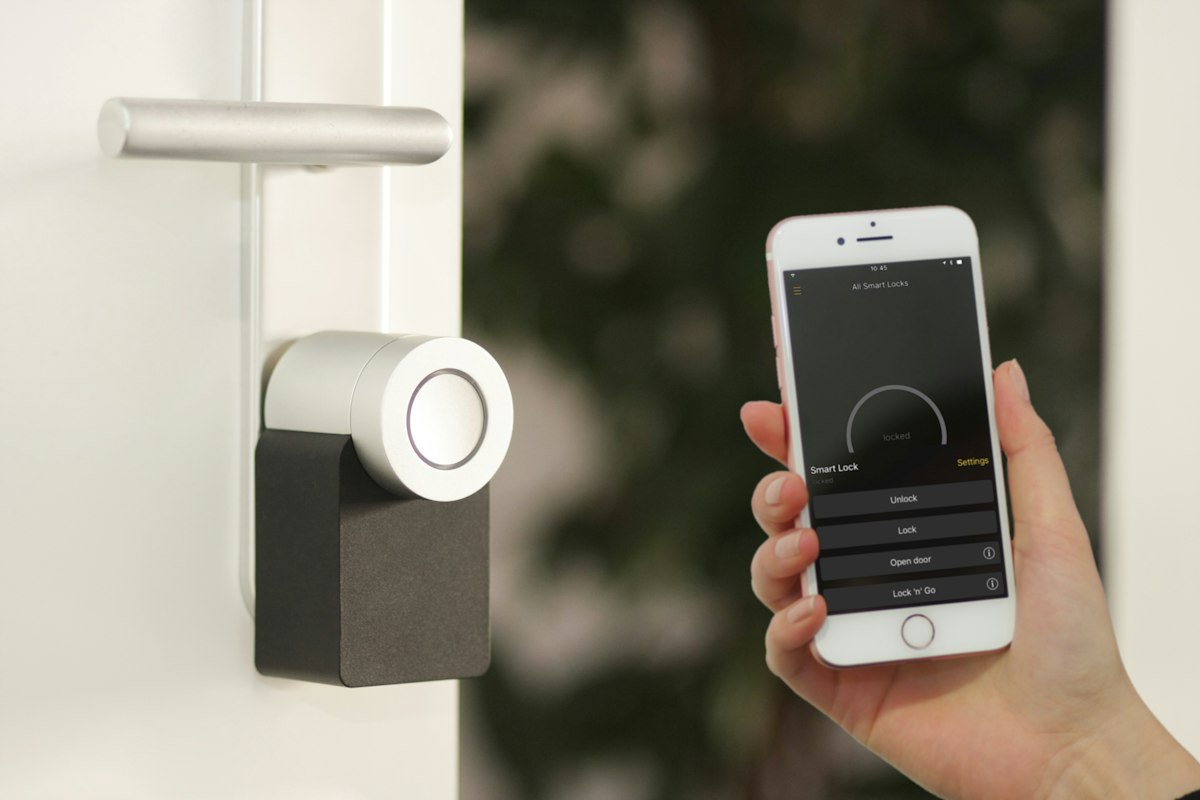
If you want to build an IoT project but do not want to spend weeks coding a mobile app, Blynk is your best friend. With Blynk you drag and drop widgets onto a phone dashboard and connect them to your hardware in minutes. In this tutorial we will build a complete IoT project with Blynk and an ESP32 — reading a temperature and humidity sensor and controlling an LED, all from your phone. This is one of the most beginner-friendly Blynk Arduino project builds and a great FYP starting point.
What You Will Build
By the end of this IoT project Blynk tutorial, you will have:
- An ESP32 reading temperature and humidity
- Live readings shown on a mobile dashboard
- A button on your phone to control an LED remotely
- Notifications when temperature crosses a threshold
What You Need
| Item | Notes | |------|-------| | ESP32 dev board | Built-in WiFi | | DHT22 (or DHT11) sensor | Temperature + humidity | | LED + 220Ω resistor | For remote control demo | | Breadboard + jumper wires | For wiring | | Blynk app | Free on iOS and Android |
Step 1: Set Up Your Blynk Account and Template
- Download the Blynk app and create a free account.
- Create a new Template, name it (e.g. "ESP32 Monitor"), and choose ESP32 as the hardware and WiFi as the connection type.
- Note your Template ID, Template Name, and Auth Token — you will paste these into your code.
In the new Blynk, you set up datastreams (virtual pins) for each value. Create:
- A datastream for temperature on V0
- A datastream for humidity on V1
- A datastream for the LED switch on V2
Step 2: Wire the Hardware
Keep it simple:
- DHT22 data pin to ESP32 GPIO 4
- DHT22 VCC to 3.3V, GND to GND
- LED anode to GPIO 2 through the resistor, cathode to GND
Double-check the 3.3V connection — the ESP32 is not 5V tolerant on its GPIO pins.
Step 3: Write the Firmware
Install the Blynk and DHT sensor libraries in the Arduino IDE. Then use code structured like this:
#define BLYNK_TEMPLATE_ID "YourTemplateID"
#define BLYNK_TEMPLATE_NAME "ESP32 Monitor"
#define BLYNK_AUTH_TOKEN "YourAuthToken"

#include <WiFi.h>
#include <BlynkSimpleEsp32.h>
#include <DHT.h>

#define DHTPIN 4
#define DHTTYPE DHT22
#define LEDPIN 2

DHT dht(DHTPIN, DHTTYPE);
BlynkTimer timer;

char ssid[] = "YourWiFi";
char pass[] = "YourPassword";

void sendSensor() {
  float h = dht.readHumidity();
  float t = dht.readTemperature();
  if (isnan(h) || isnan(t)) return;
  Blynk.virtualWrite(V0, t);
  Blynk.virtualWrite(V1, h);
  if (t > 35) Blynk.logEvent("high_temp", "Temperature too high!");
}

BLYNK_WRITE(V2) {        // LED control from app
  digitalWrite(LEDPIN, param.asInt());
}

void setup() {
  pinMode(LEDPIN, OUTPUT);
  dht.begin();
  Blynk.begin(BLYNK_AUTH_TOKEN, ssid, pass);
  timer.setInterval(2000L, sendSensor);
}

void loop() {
  Blynk.run();
  timer.run();
}
This is the heart of any Blynk Arduino project: a timer sends sensor data on virtual pins, and BLYNK_WRITE handles input coming from the app.
Step 4: Build the Mobile Dashboard
In the Blynk app, open your device dashboard and add widgets:
- A Gauge or Label widget linked to V0 for temperature
- Another linked to V1 for humidity
- A Switch (Button) widget linked to V2 for the LED
Arrange them, save, and you have a live mobile dashboard.
Step 5: Test Everything
Upload the code, open the serial monitor, and confirm the ESP32 connects to WiFi and Blynk. Within seconds, your phone dashboard should show live temperature and humidity. Toggle the switch — the LED should respond instantly. Breathe on the sensor to watch the readings climb. If you set the threshold logic, you will get a notification when it gets too hot.
Troubleshooting Tips
- Stuck on connecting? Check WiFi credentials and that you are on 2.4GHz, not 5GHz.
- NaN sensor readings? Verify wiring and that you selected the correct DHT type.
- App not updating? Confirm the virtual pin numbers match your datastreams exactly.
Taking It Further for Your FYP
To turn this IoT project with Blynk into a full final year project, add multiple sensors, log data for analysis, control a relay-driven appliance, or add automation rules (e.g. turn on a fan when temperature exceeds a limit). Document the system architecture and results for your thesis.
Build Your Blynk IoT Project With Rectronx
Blynk makes IoT approachable, but getting firmware, sensors, and the dashboard working together reliably can still trip you up — especially under FYP deadlines. At Rectronx Circuits in Penang, we help Malaysian students build complete IoT projects with Blynk, ESP32, and Arduino, from wiring to a polished mobile dashboard. WhatsApp us today and let us help you build your IoT project the right way.