
How to Build a Smart Parking System for Your FYP
Complete guide to building an IoT-based smart parking system using Arduino and ultrasonic sensors — perfect for Final Year Projects.
Rectronx
2025-12-10
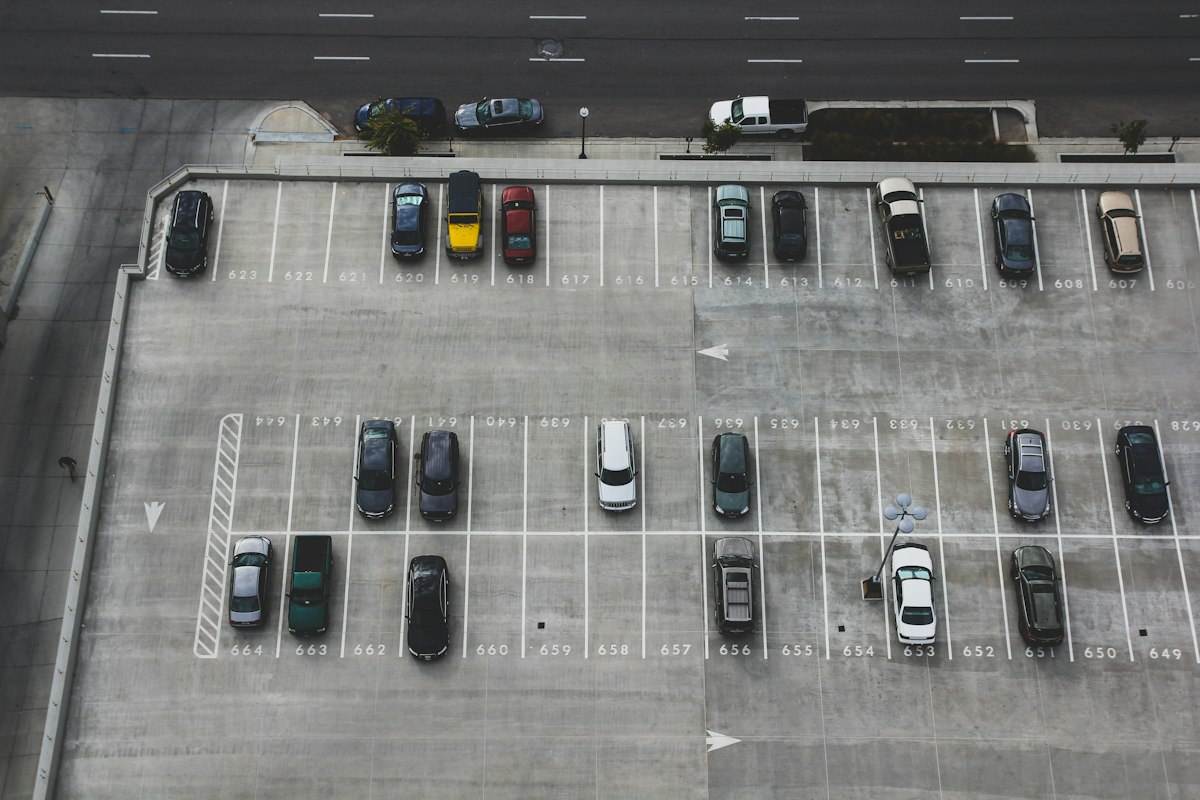
What Is a Smart Parking System FYP?
A Smart Parking System is one of the most popular and highly-scored Final Year Projects in Malaysian engineering universities. It uses IoT sensors to detect car presence, display available slots, and can even integrate with a mobile app for remote monitoring.
The good news? It's achievable within a typical FYP timeline of 3–6 months, and Rectronx Circuits has delivered over 20 variations of this project for students across Malaysia.
Components You Need
Here's the standard hardware list for a smart parking FYP:
| Component | Purpose | Approx. Cost (RM) | |-----------|---------|-------------------| | Arduino Uno / ESP32 | Main microcontroller | RM 20–45 | | Ultrasonic Sensor (HC-SR04) | Detect car presence per slot | RM 5 each | | LED indicators | Show slot status (Red/Green) | RM 2 each | | LCD display (16x2 or I2C) | Show available slot count | RM 12–18 | | Servo motor | Automated boom gate (optional) | RM 15 | | Blynk / Firebase | Mobile app dashboard | Free tier |
For a 4-slot system (recommended for FYP scope), budget around RM 150–220 total.
System Architecture
A well-structured smart parking FYP has 3 layers:
- Hardware layer — ultrasonic sensors at each parking slot, connected to Arduino/ESP32
- Processing layer — microcontroller reads sensor data and decides slot status
- Display layer — LED matrix or LCD shows live slot count; optional Blynk app for remote view
Step-by-Step Build Guide
Step 1: Set Up Your Sensors
Connect each HC-SR04 ultrasonic sensor to your Arduino:
- Trigger pin → Arduino digital pin
- Echo pin → Arduino digital pin
- VCC → 5V
- GND → GND
Each sensor covers one parking slot. The logic is simple: if distance < 20cm, slot is occupied.
Step 2: Add LED Indicators
Wire a red and green LED per slot:
- Green = available
- Red = occupied
Use a resistor (220Ω) in series with each LED to prevent burn-out.
Step 3: LCD Display
Use an I2C LCD module to reduce pin usage. Display the count:
Slots Available: 3/4
Step 4: Add IoT Connectivity (for distinction-level marks)
Use ESP32 instead of Arduino Uno to add WiFi. Connect to Blynk:
- Create a Blynk dashboard with 4 LED widgets
- Each widget maps to one slot status
- Add a gauge widget for total available count
This alone can push your project from a pass to a distinction.
Step 5: Optional — Automated Boom Gate
Add a servo motor at the entrance:
- Gate opens when a slot is available
- Gate stays closed when full
- Sensor at entry detects approaching vehicle
Common FYP Mistakes to Avoid
1. Using too many slots — Start with 4. Scaling to 8+ makes wiring complex and buggy during demo.
2. Forgetting documentation — Your FYP report needs circuit diagrams, flowcharts, and test results. Plan these early.
3. No mobile component — Most examiners expect at least a basic app or web dashboard in 2025. Add Blynk or a simple web page.
4. Sensor placement — Mount sensors directly above the parking bay, pointing straight down for accurate readings.
How Long Does This FYP Take?
| Phase | Duration | |-------|----------| | Planning & component sourcing | 1 week | | Hardware assembly | 1–2 weeks | | Programming | 2–3 weeks | | Testing & debugging | 1 week | | Documentation | 2 weeks | | Total | 7–9 weeks |
Need Help With This Project?
Rectronx Circuits has built this exact project (and over 20 variations of it) for students from UTM, UiTM, UMP, UniKL, and more. We handle the full build — hardware, programming, documentation, and testing.
Get your Smart Parking System FYP delivered in 2–3 weeks. WhatsApp us now with your university's requirements.